
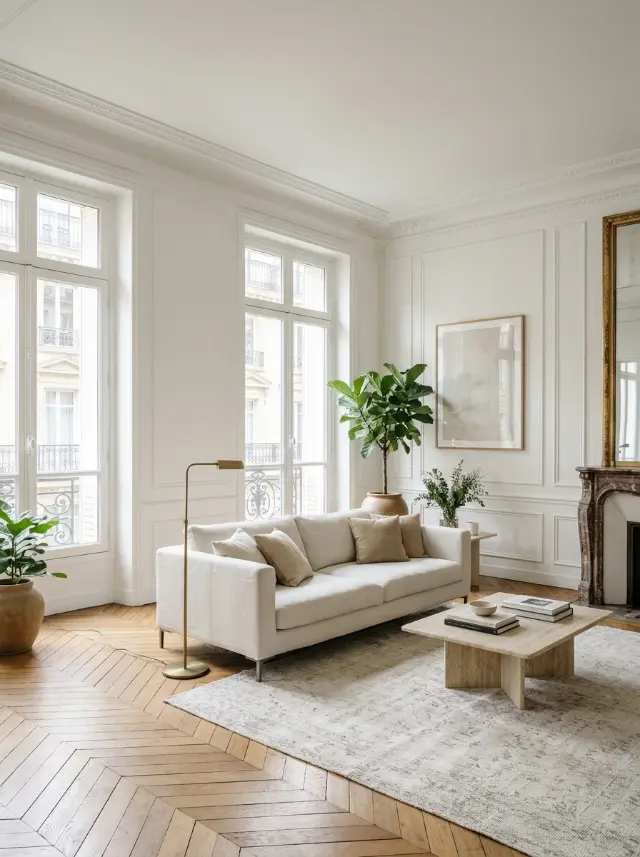
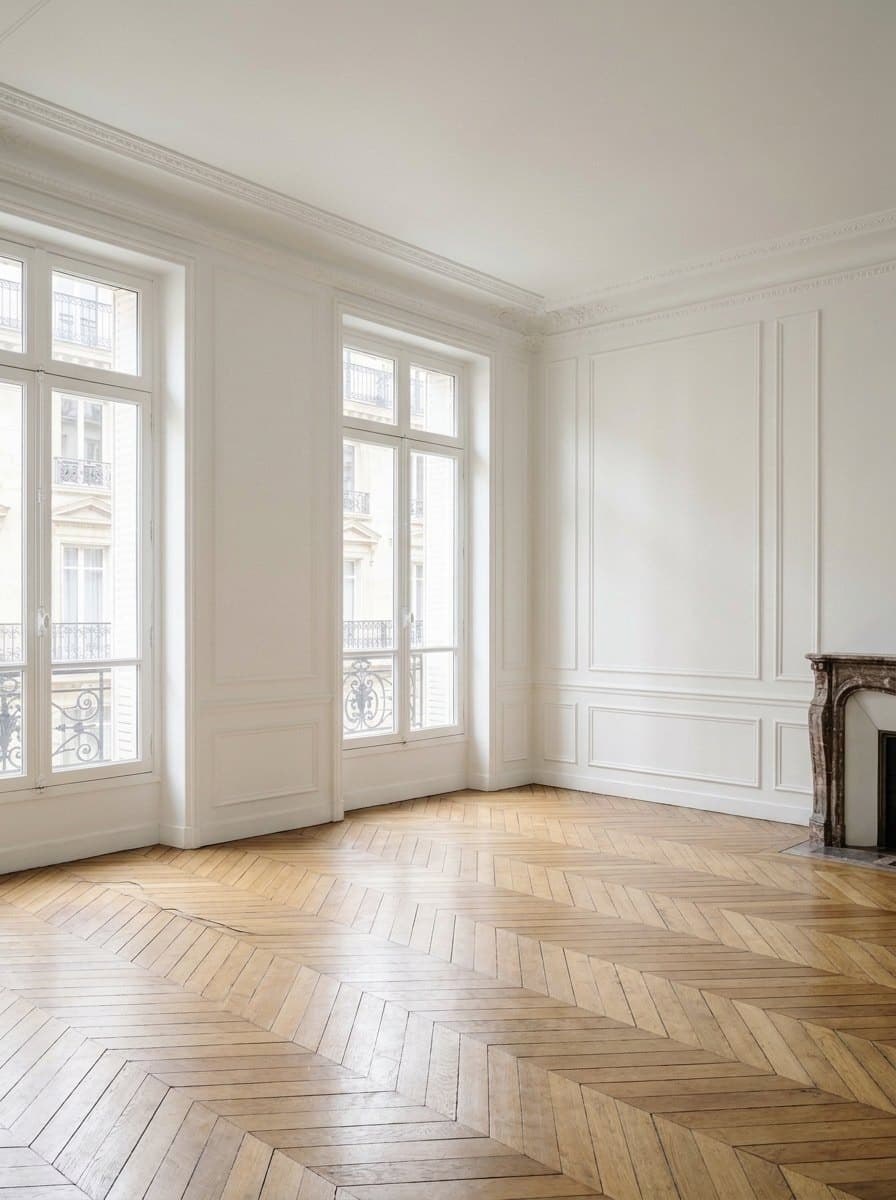
See the real potential of a room
An old sofa or badly placed furniture often makes it hard to picture a room any other way. Empty the room wipes all the furniture from the photo and keeps the walls, floor, windows and light. You see the real volume, which helps you rethink the layout.
It’s also handy before a move, to picture a place without the current occupants’ furniture.
Furnish the empty room in any style
Once the room is empty, the Furnish empty room tool fits it out from scratch: sofa, tables, lighting, rugs and decor, in any of the 109 styles. The furniture is placed at the right scale and follows the perspective of the photo.
You can try several styles on the same empty base and keep the version you like best.
Sell or rent faster
Real estate agents and owners use virtual staging to show a property at its best. An empty room often looks cold in photos; tastefully furnished, it makes people want to move in. Redeko lets you create those images in seconds.
How it works
- Take a photo of the room.
- Pick Empty the room: the furniture disappears.
- Run Furnish empty room in the style you want.